📢 This article was translated by Gemini-3-flash
Written by Hiyoung
Original Article: https://blog.hiyoung.icu/2022/08/03/0b5e2db181ab/
I’ve been using GitHub a lot lately to store code from my learning process. I realized you can’t upload folders directly through the web UI, so I looked into using Git for uploads. Here’s a quick post to document the process.
GitHub Operations
1. Copy Repository URL

Local Operations
1. Create a New Empty Folder Locally
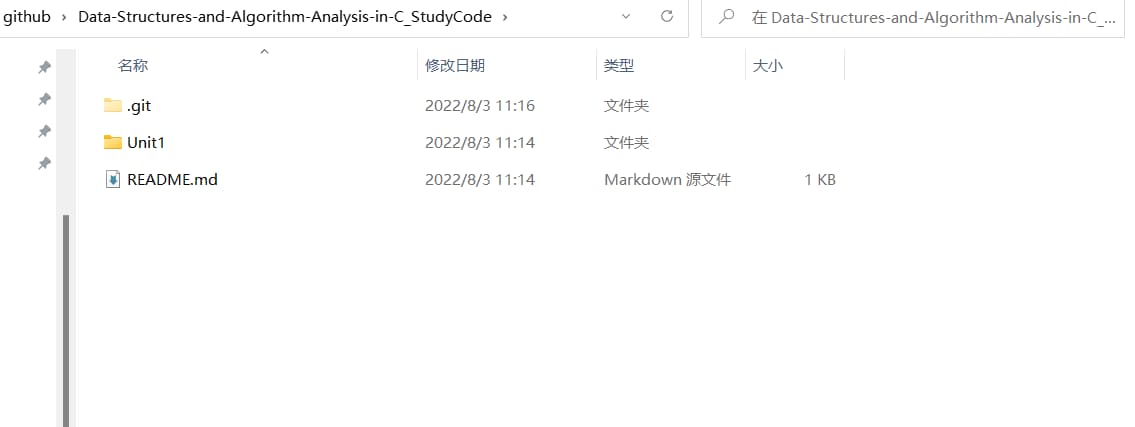
I’ve already finished the clone here.
2. Open Git Bash in the Folder

3. Clone Remote Repository
| |
4. Drag and Drop Files to Upload
5. Upload
| |
Command Descriptions
| clone + repository address | Clones your repository to the local machine |
|---|---|
| cd + your remote repository name | Enters the remote repository folder (input based on your repo name) |
| git init | Initializes Git |
| git add . | Adds workspace files to the staging area ("." adds all files in the current directory; can also specify a folder name) |
| git commit -m “your commit message” | Adds files from the staging area to the local repository |
| git push | Pushes to the remote repository (may require credentials) |